Getting Started


Create your application:
gem install raindeer
rain new my_app
Or clone the template.
Then run the server:
bundle install
rain server
Visit: http://127.0.0.1:4133/
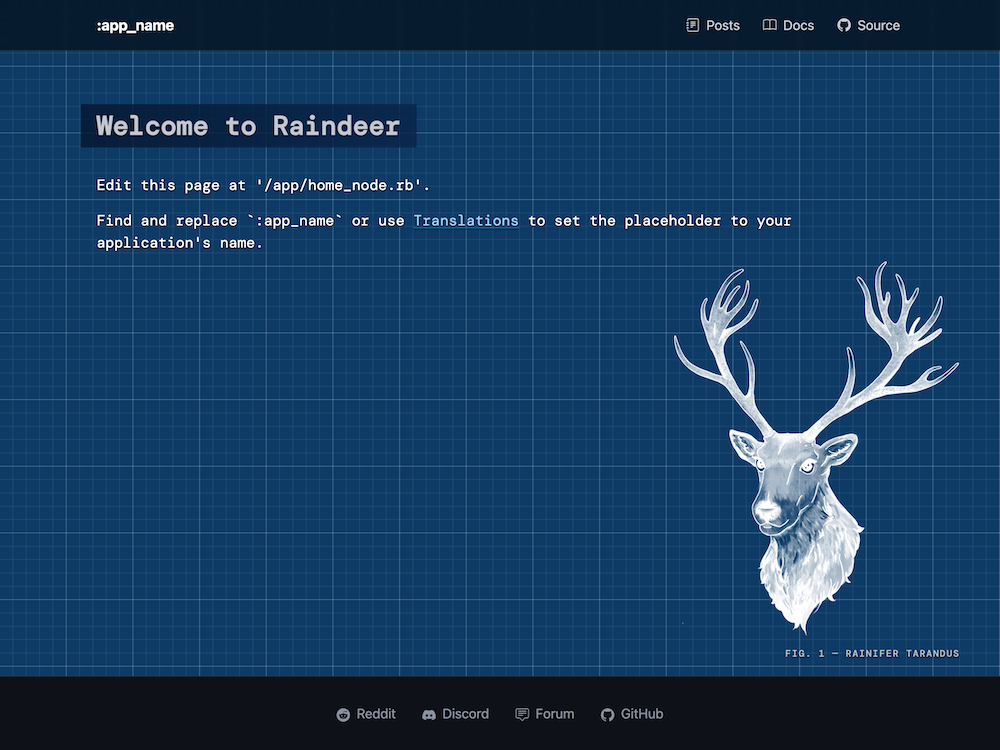
You should see this page:
Directory Structure
app- Application files; routes, nodes, events and datadb- Database migrations and seedsbin- Framework console scriptsconfig- Boot and configuration filespublic- Assets such as images, CSS and JS filesspec- Test the implementation of your application
Database
Install gems and seed the database with:
bin/setup
config/database.rb connects to db/development.sqlite3 and runs the migrations in db/migrations on boot. Set DATABASE_URL to use another database.
Repositories in app/data query the database with data expressions:
class PostsData < LowData
  def latest(count: 10)
    (Posts[:title, :body] + Users[:username]) ^ -Col[:created_at] * count
  end
end
Visit http://127.0.0.1:4133/posts to see them.
Matrix Mode
After running the sever your terminal will output a matrix visualisation of the asynchronous events, giving you a feel for what is happening under the hood. For better performance you should disable this mode in production with the RAIN_MATRIX=0 ENV variable.
iTerm: Press Option + A to accept screen refreshing, or output will bounce around.
CLI
See also: Rain CLI